Over the past seven weeks, I had the chance to dive into Extended Reality (XR), learning both the theory and practical skills needed to build Virtual Reality (VR), Augmented Reality (AR), and Mixed Reality (MR) applications. This blog is about my experience exploring research papers, building interactive XR apps, and developing skills that connect human perception, interface design, and new technologies.
Course Structure & Approach
The course had a unique structure with three main components:
- Research Papers — Reading and analyzing papers from top HCI/XR conferences (CHI, UIST, ISMAR, VRST)
- Lectures — Learning about the foundations of XR systems
- Unity Labs — Building actual VR/AR applications step by step
This approach helped me understand not just why XR systems work the way they do, but also how to build them myself.
Week 1: Foundations of XR
What I Explored:
- Basic definitions and differences between VR, AR, MR, and XR
- Concepts of presence and immersion
- Setting up Unity for XR development
Research paper: Paul Milgram, Fumio Kishino (1994): A taxonomy of mixed reality visual displays
Takeaway from paper: Milgram’s taxonomy gave me a clear framework for understanding different types of XR systems. This classification is really useful when planning projects because it helps you identify exactly what kind of experience you’re creating.
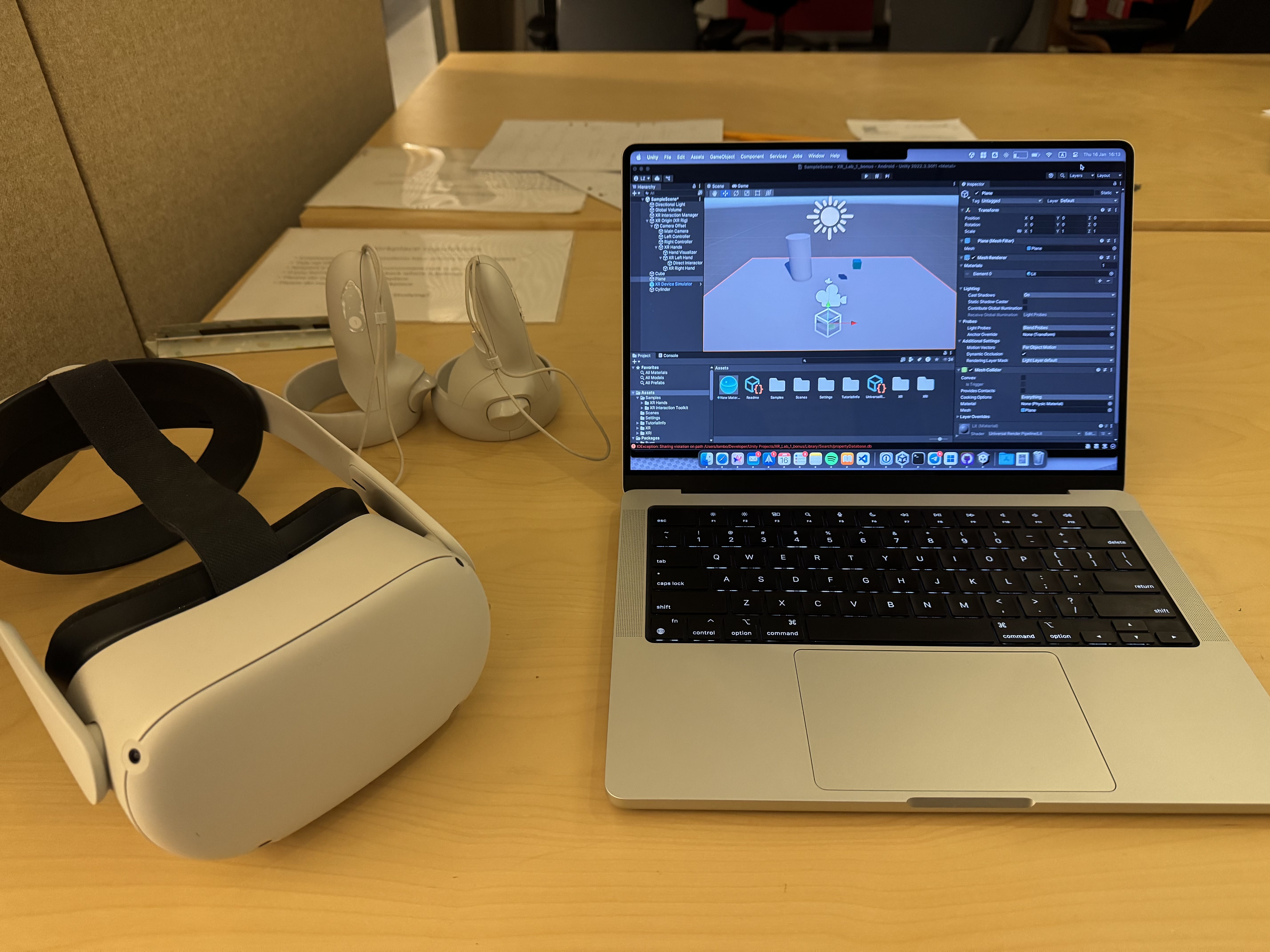
What I Built: I set up my first VR development environment in Unity and deployed a basic app to a Quest 2 headset. This was my first time working with the complete development pipeline.
Week 2: Human Perception in XR
What I Explored:
- How human perception works in virtual environments
- Visual system basics: IPD, FOV, stereoscopy
- What causes simulator sickness
Takeaway from paper: The design space concept showed me a systematic way to explore solutions. Instead of just following what others have done, this framework helps you think about all the different possibilities. I found this really helpful for coming up with creative ideas.
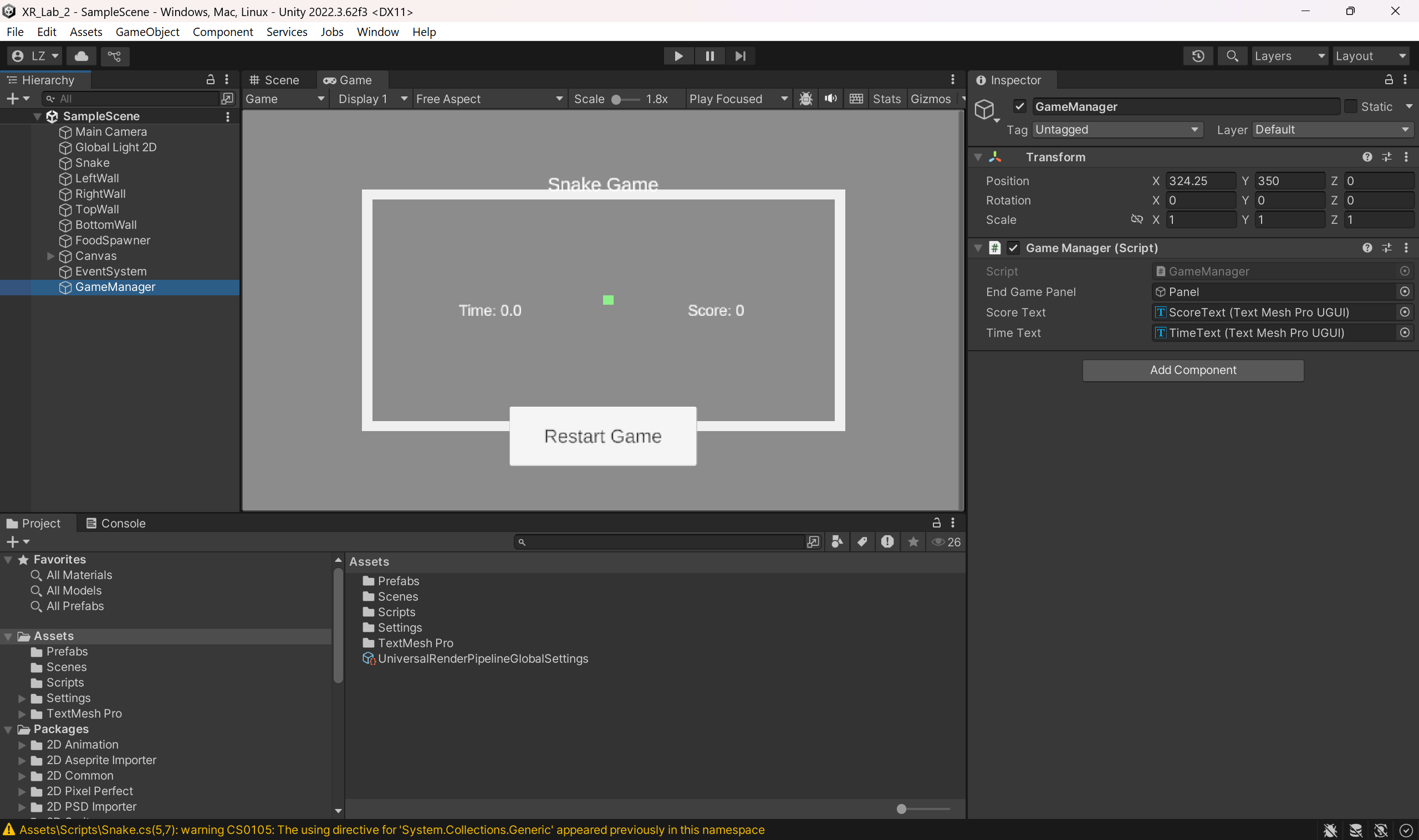
What I Built: I started writing C# scripts in Unity to control game objects and implement game logic. I learned basic operations like spawning/destroying objects, handling keyboard input, and changing game speed.
Week 3: Tracking & Input Devices
What I Explored:
- How tracking works in XR
- Inside-out vs. outside-in tracking
- Different input devices: controllers, optical tracking, Leap Motion
Research paper: Vimal Mollyn, Chris Harrison (2024): EgoTouch: On-Body Touch Input Using AR/VR Headset Cameras
Takeaway from paper: The EgoTouch paper showed that you can detect finger touches on skin using just cameras, which works well in different lighting and for different skin tones. This could be really useful for creating more natural interaction without needing extra devices, though there’s still room for improvement.
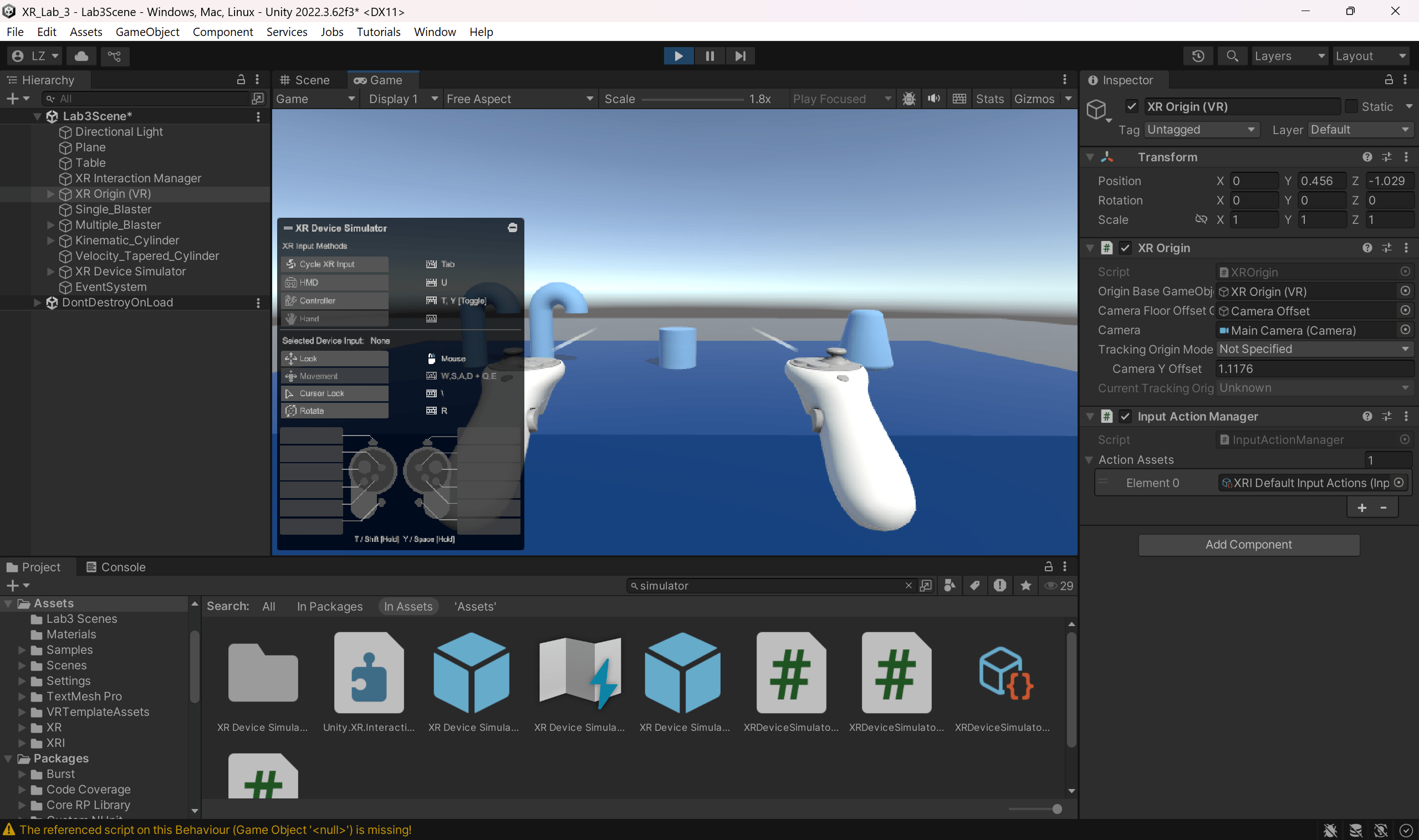
What I Built: I created object selection and manipulation systems, including both single and multiple object selection. I also learned how physics properties affect how objects interact with each other, and added visual and audio feedback for when users hover over or select objects.
Week 4: Haptics & Interaction Design
What I Explored:
- Different types of haptics: active, passive, and pseudo-haptics
- VR interaction design principles
- Research prototypes for haptic feedback
Takeaway from paper: Providing realistic haptic feedback for things like walls and handrails in room-scale VR is still difficult. LoopBot’s robotic solution is interesting, but the technology needs more development. Understanding these limitations is important when designing haptic experiences.
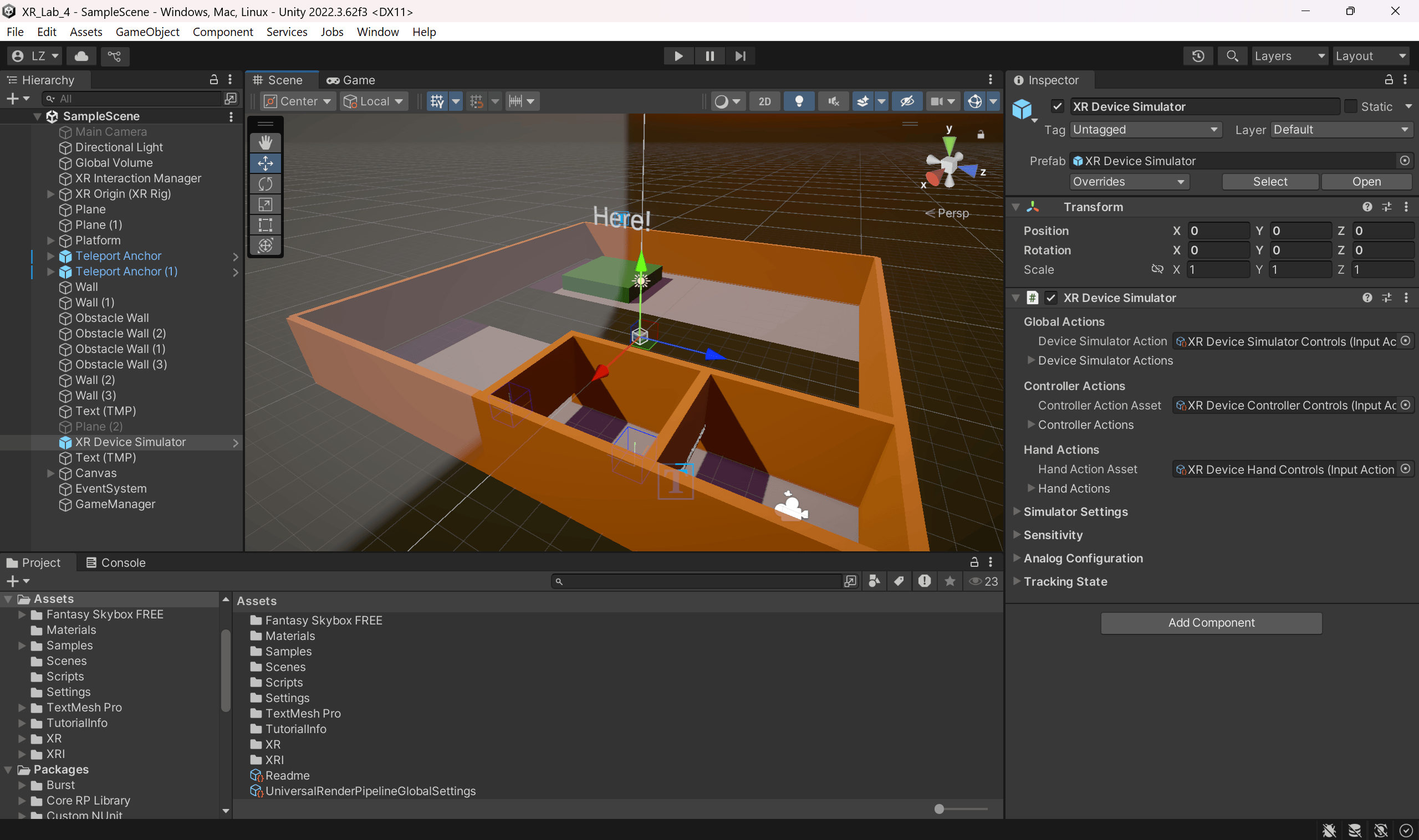
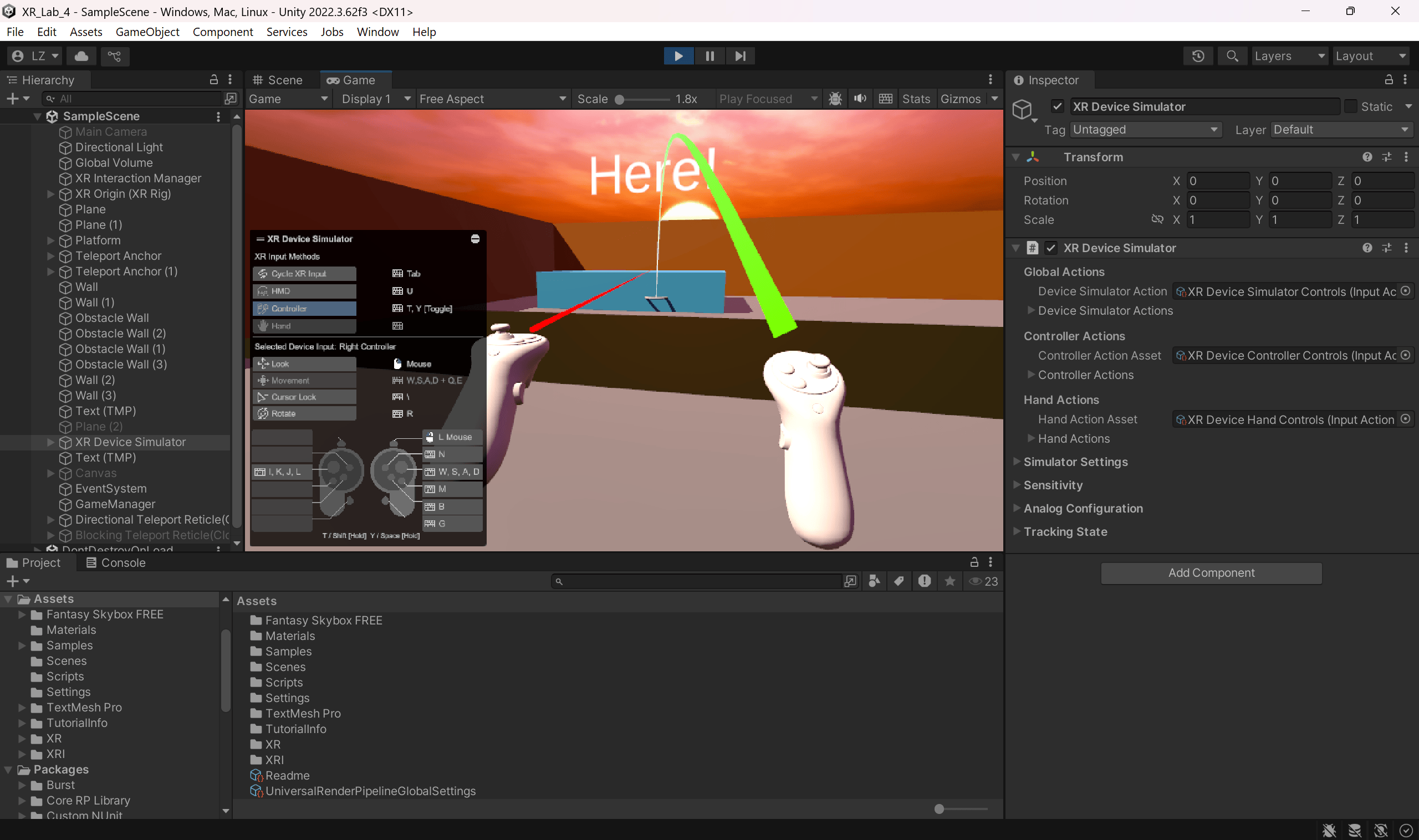
What I Built: I implemented basic locomotion using controllers and created teleportation systems with anchors and areas. This taught me about one of the biggest challenges in VR—how to let users move through virtual spaces comfortably.
Week 5: Augmented Reality Systems
What I Explored:
- History of AR
- Different AR display types: OST, VST, projection
- How spatial anchors work
Takeaway from paper: People usually prefer interfaces that aren’t floating in mid-air when possible, and they like it when the UI can move between different surfaces semi-automatically. This is good to know when designing AR interfaces that feel natural and don’t tire users out.
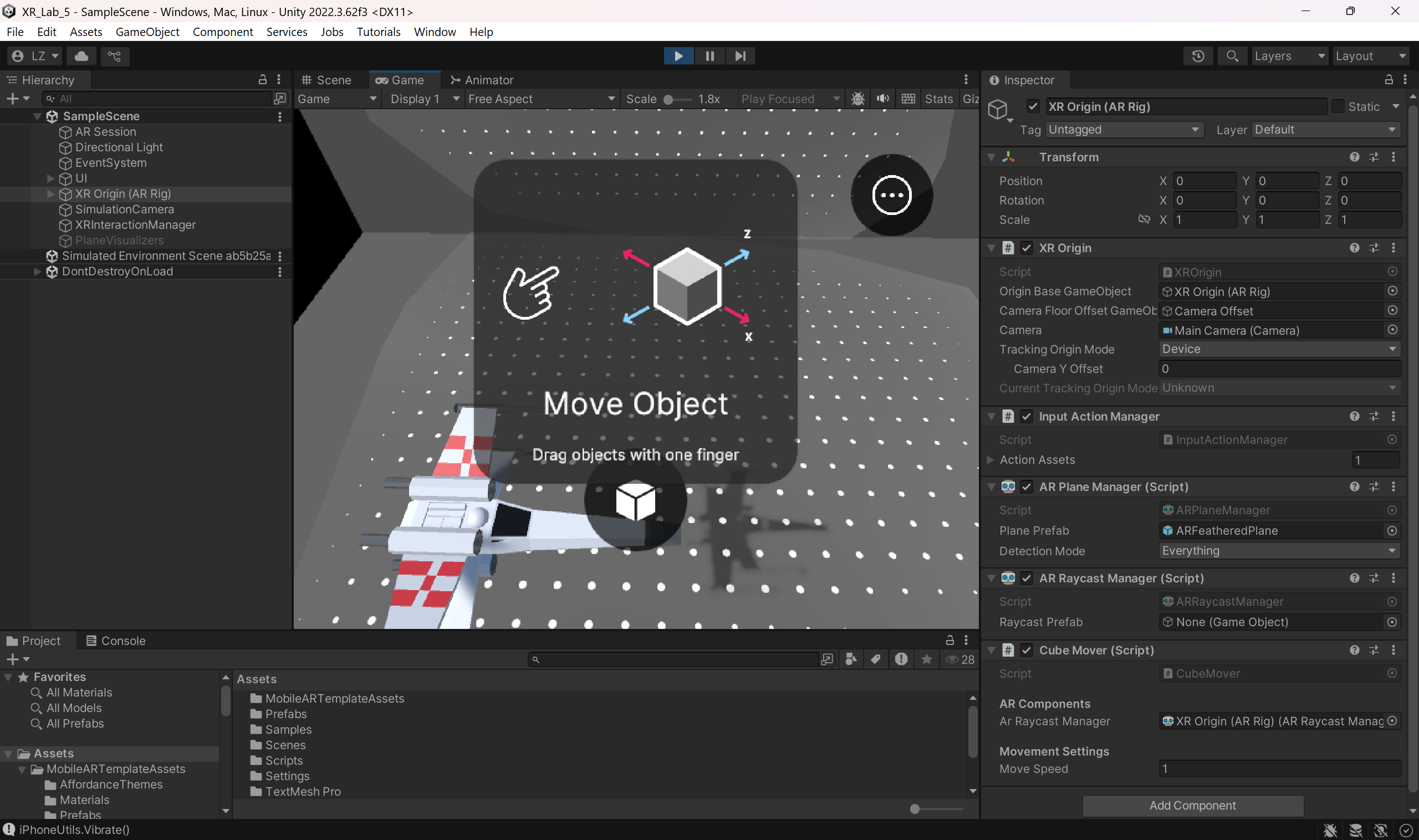
What I Built: I learned basic 3D modeling in Blender and built my first mobile AR app. I set up an AR project in Unity, added my own 3D models, and deployed it to iOS—getting hands-on experience with the full AR development process.
Week 6: Measuring XR Experiences
What I Explored:
- How to measure physiological responses: heart rate, EDA, EMG, pupillometry
- Performance metrics for XR
- UX questionnaires designed for XR
Takeaway from paper: You can actually predict emotions from physical data during VR experiences, which means you could create environments that adapt to how users feel. This could be really useful for fitness apps, therapy, or stress management applications.
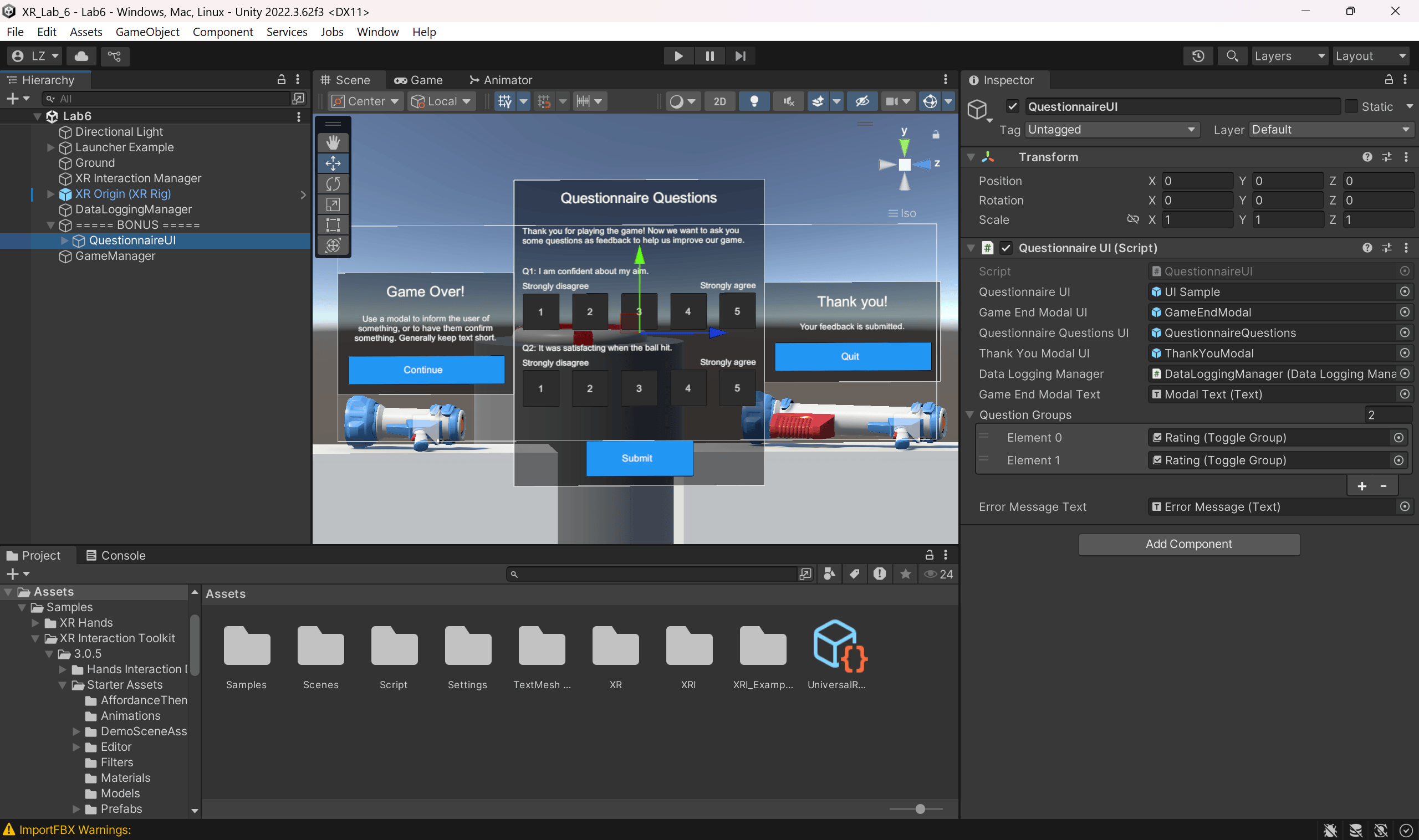
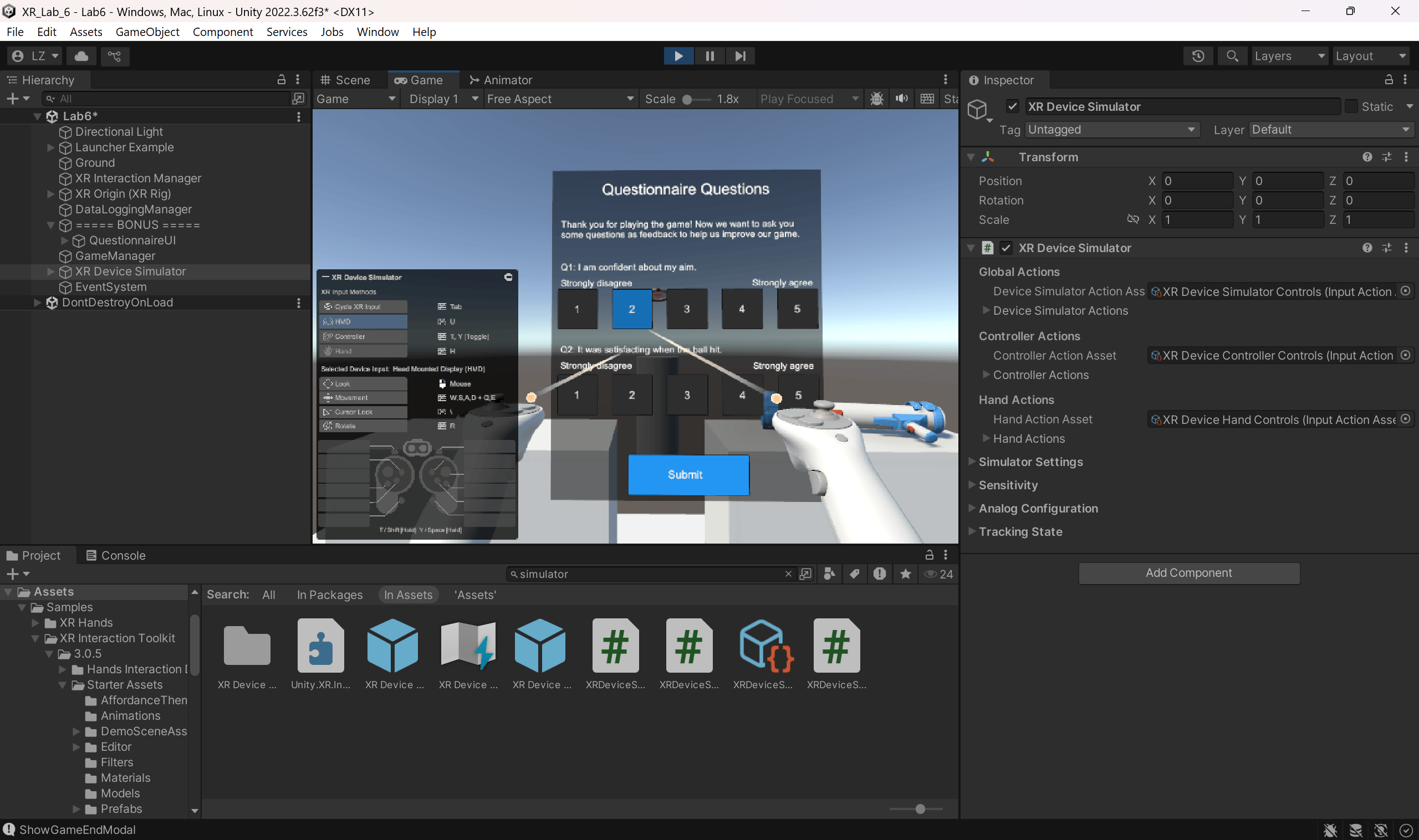
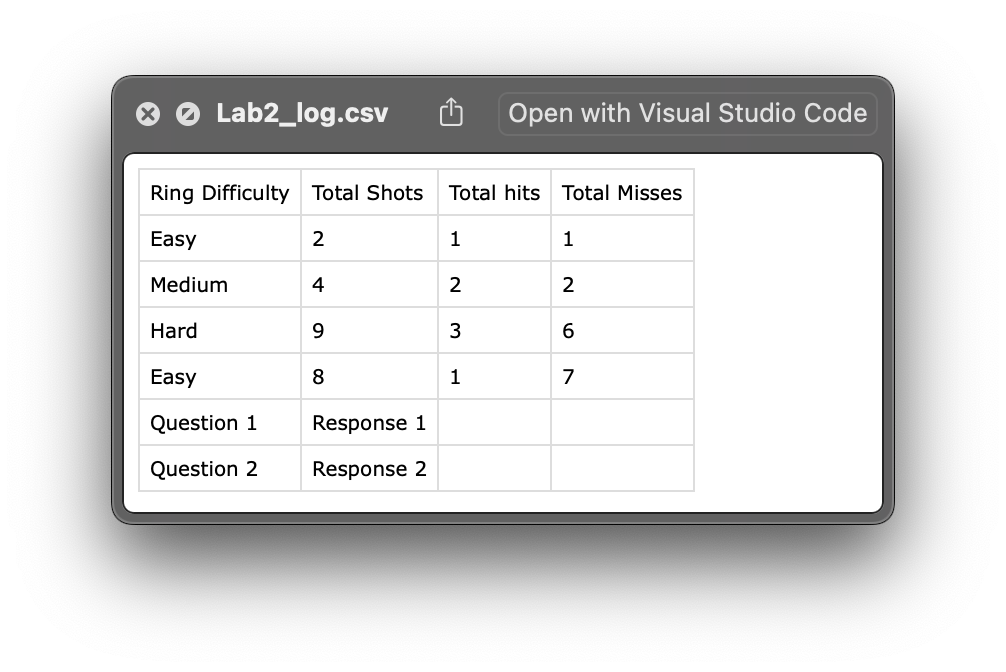
What I Built: I learned Unity’s event system and created data logging to capture gameplay information and save it to CSV files. I also built an in-VR questionnaire system for collecting user feedback.
Week 7: Social XR
What I Explored:
- Social XR concepts
- Remote collaboration in AR/VR
- Avatar design and communication
Research paper: Alex Adkins, Ryan Canales, Sophie Jörg (2024): Hands or Controllers? How Input Devices and Audio Impact Collaborative Virtual Reality
Takeaway from paper: Voice communication makes a big difference in social VR, whether people use hand tracking or controllers. This shows that while the way people interact visually is important, audio communication is still crucial for making multi-user VR feel real.
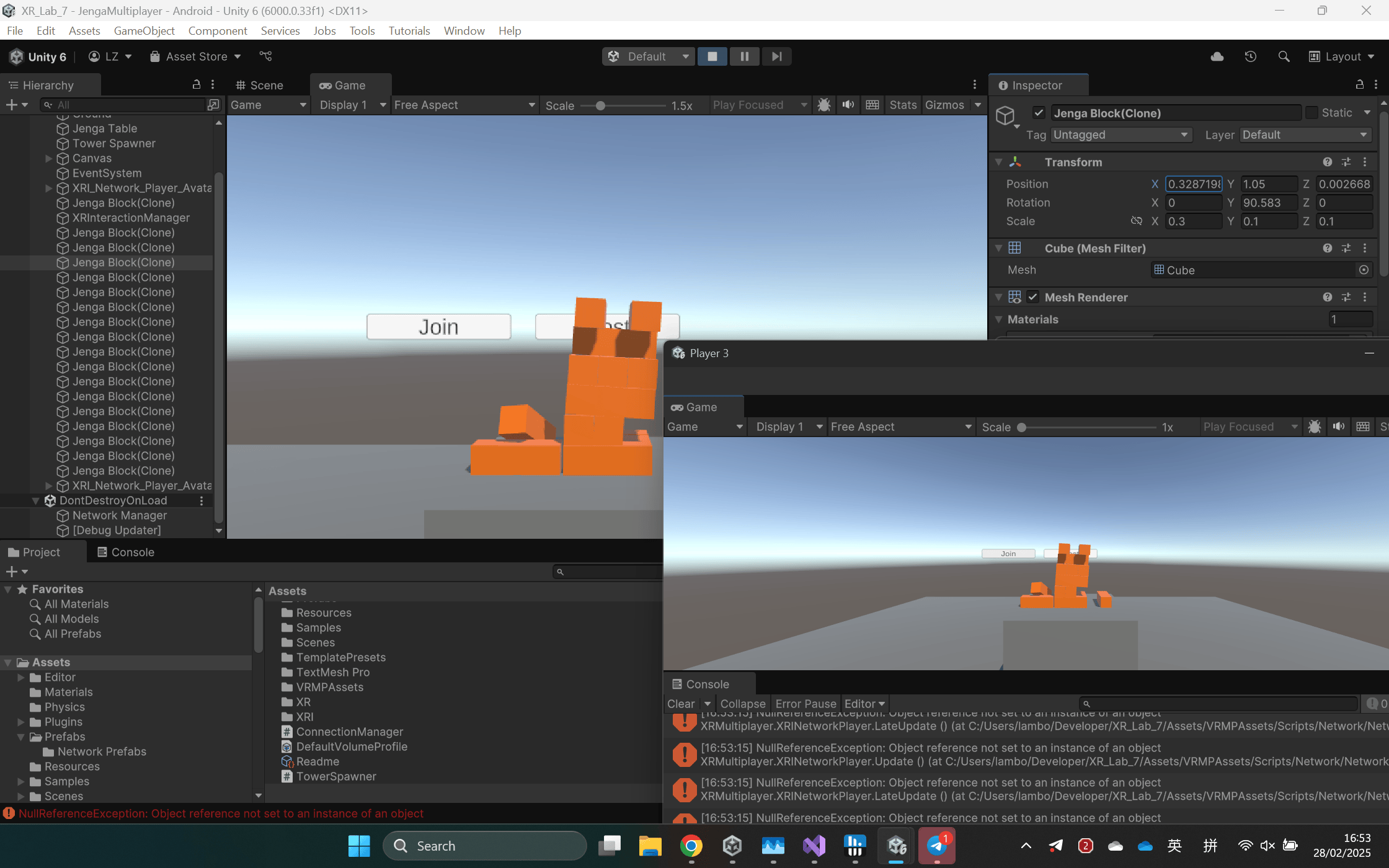
What I Built: I learned networking basics in Unity and created a multiplayer VR experience. I set up local multiplayer testing, used Unity Relay for online multiplayer, and implemented RPCs to let players interact with shared objects.
What I Learned
Looking back at these seven weeks, I realize how much this course helped me connect research with actual development.
On the technical side, I got comfortable with Unity for both VR and AR, learned C# scripting, picked up some 3D modeling in Blender, and figured out how to do network programming for multiplayer experiences. I also learned about data logging and deployed apps to different platforms like Quest 2 and iOS.
But what I found equally valuable was learning to read and understand research papers. Analyzing papers from top conferences helped me think more critically about design decisions.
The biggest thing I learned is that good XR design is about balancing what’s technically possible with what makes sense for people. Different ways of interacting—controllers, hand tracking, haptics—each have their own strengths and weaknesses. People generally prefer interactions that feel natural and don’t require much thinking, which makes sense when you’re already dealing with a virtual environment. The research on using physiological data was particularly interesting to me because it opens up possibilities for experiences that adapt to how users are feeling.